Deploy anything
Git repositories, Dockerfiles, prebuilt Docker images, Compose files and one-click templates. Other repos get framework detection.
Synq is a self-hosted deployment platform. Run apps, databases and one-click templates on your own Linux servers, and manage them from a dashboard, a CLI or the API, with automatic HTTPS from Let's Encrypt.
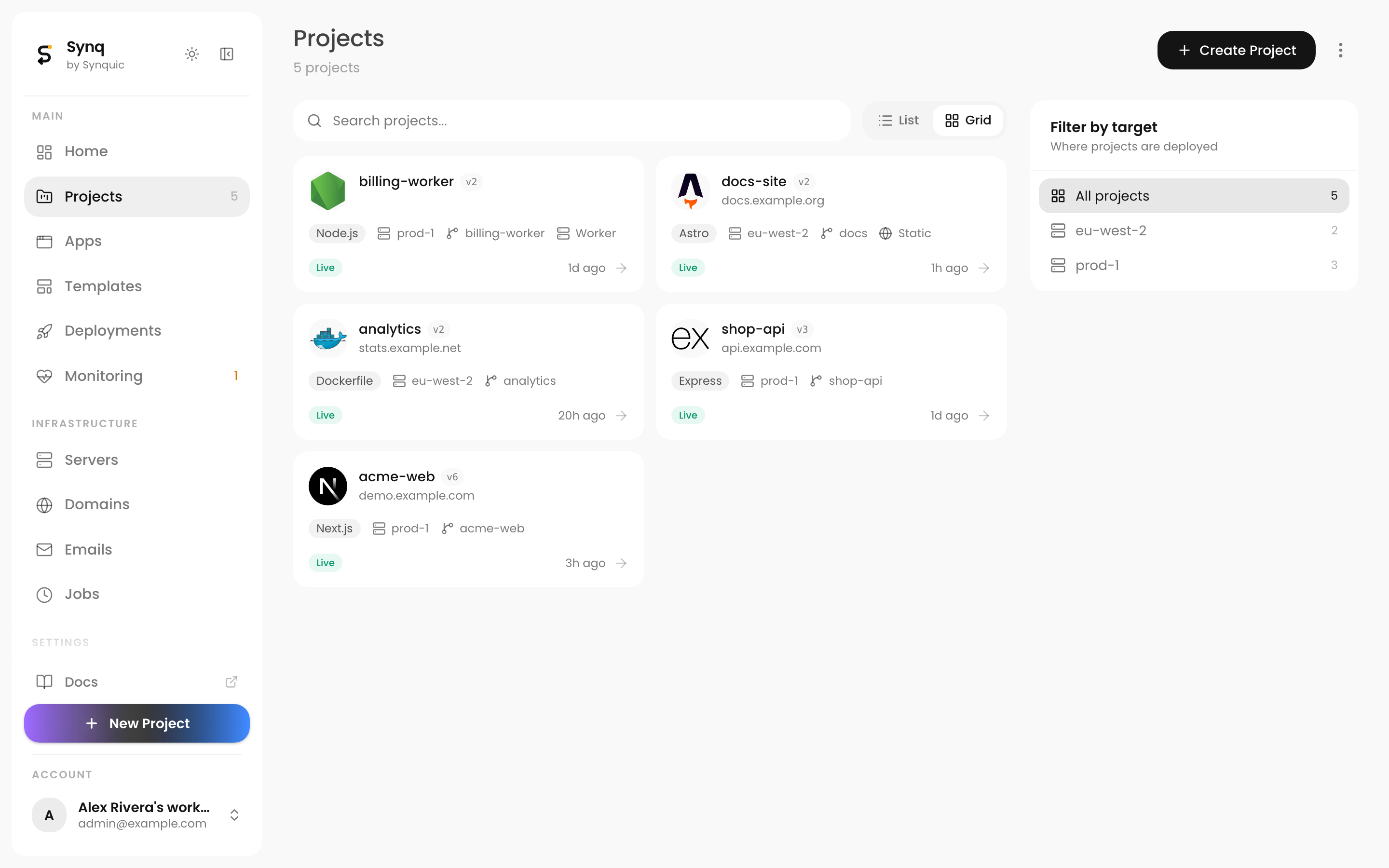
One platform on your own infrastructure, from the first deploy to backups and monitoring.
Git repositories, Dockerfiles, prebuilt Docker images, Compose files and one-click templates. Other repos get framework detection.
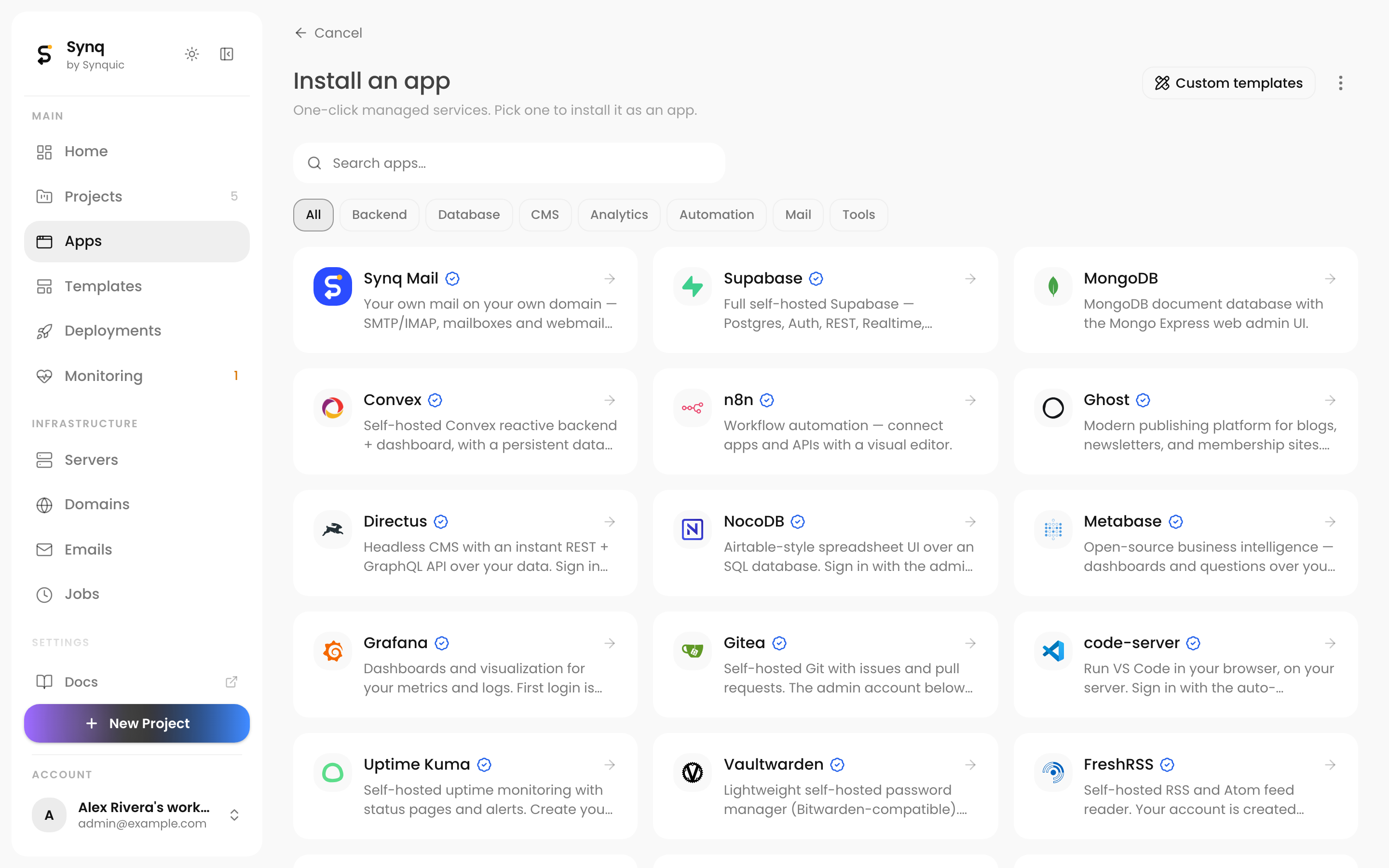
PostgreSQL, MySQL, MariaDB, Redis, Valkey, MongoDB and more, created in one click next to your apps.
Let's Encrypt certificates for the dashboard and every app domain, issued and renewed for you.
Free subdomains on your own domain, custom domains with a live DNS check, redirects and password protection.
Scheduled backups with retention, stored on S3, SFTP, another server or local disk, and restored from the dashboard.
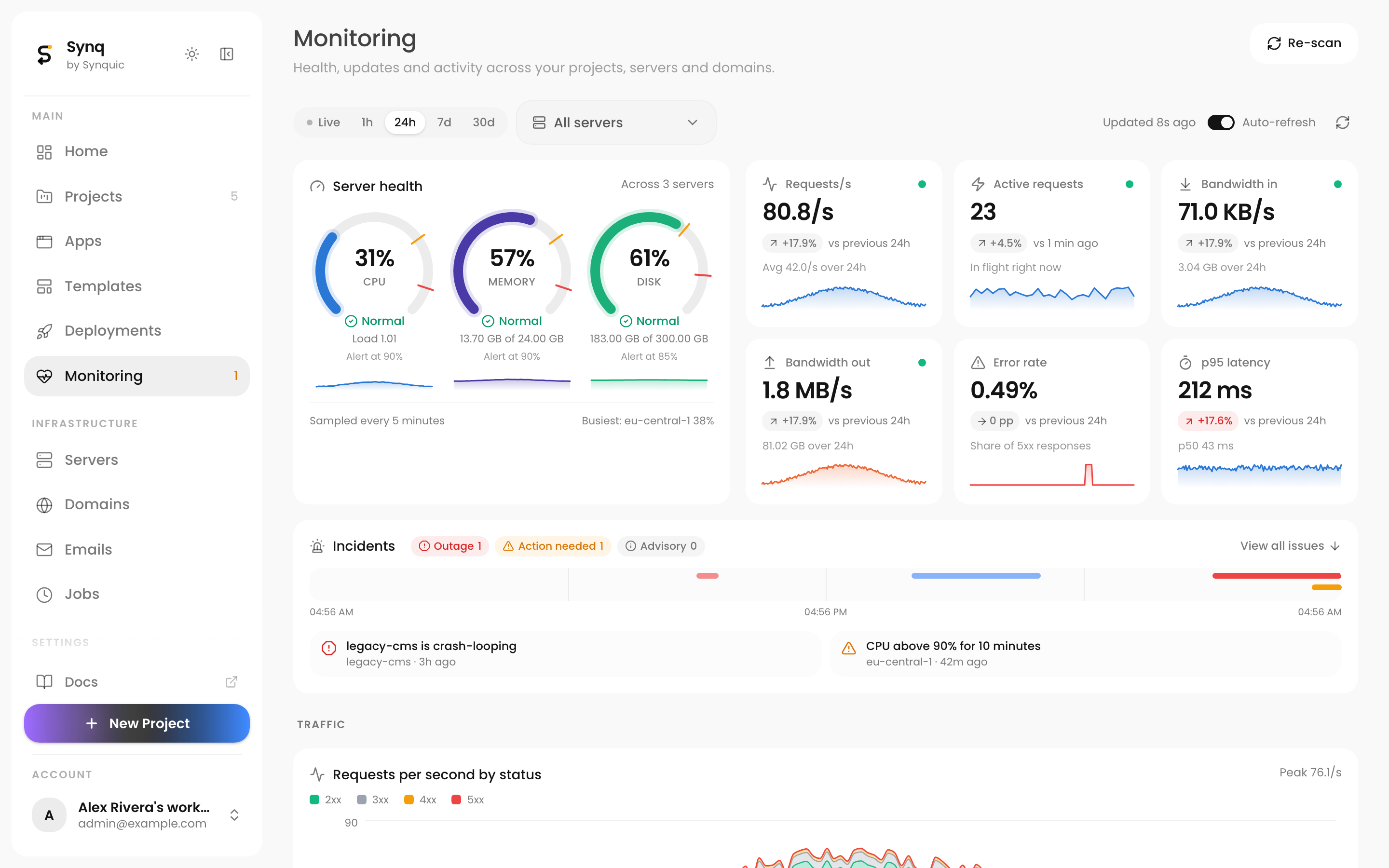
Server CPU, memory and disk with alerts, plus live traffic per app: requests, bandwidth, latency and status codes.
Scheduled jobs with run logs, including jobs that run inside an app's container.
A built-in MCP server lets AI agents deploy and manage projects, servers, domains and backups.
Work from the web dashboard, the synq CLI or the REST API. They all drive the same platform.
The Synq panel runs on your server at https://app.<domain>.
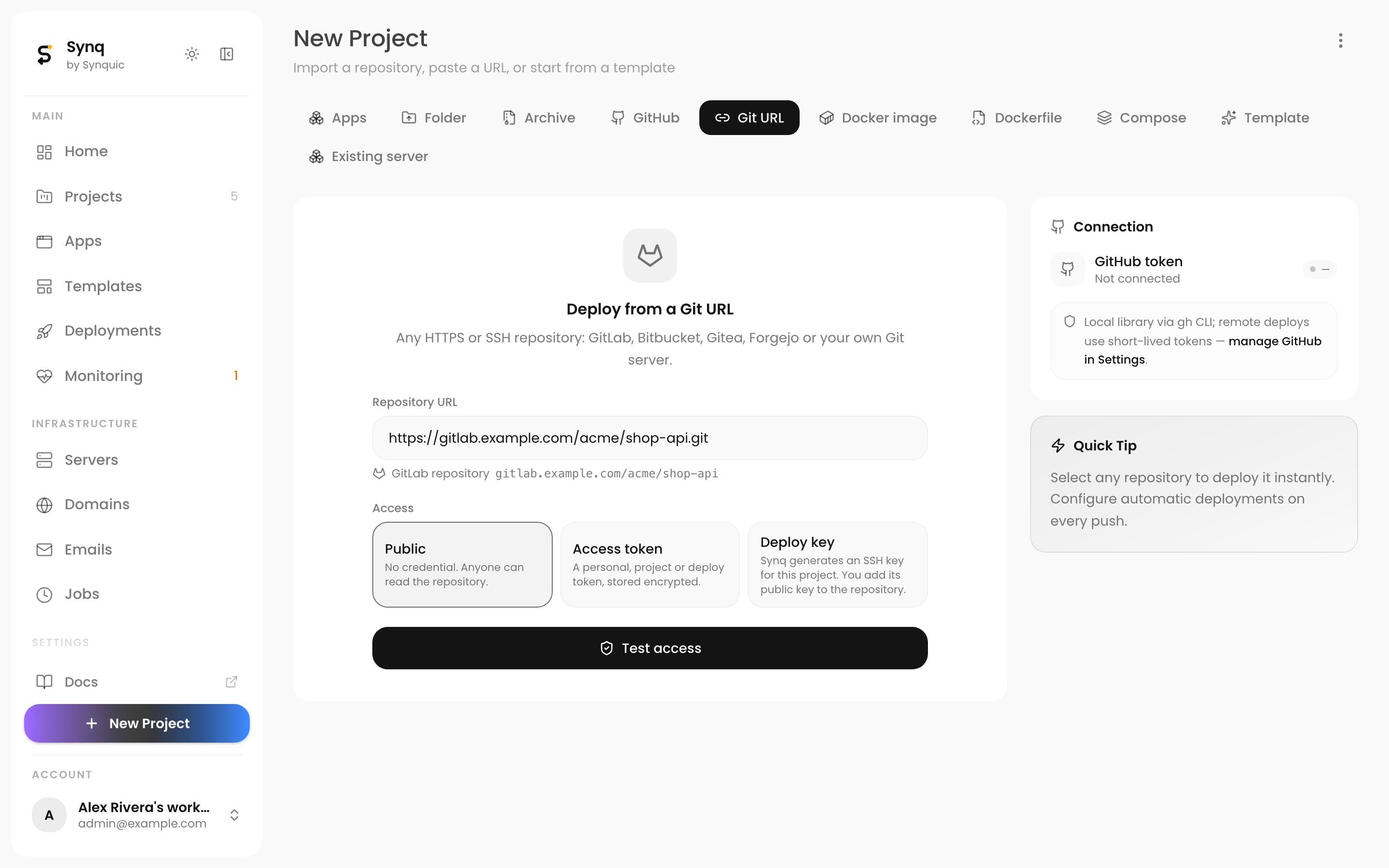
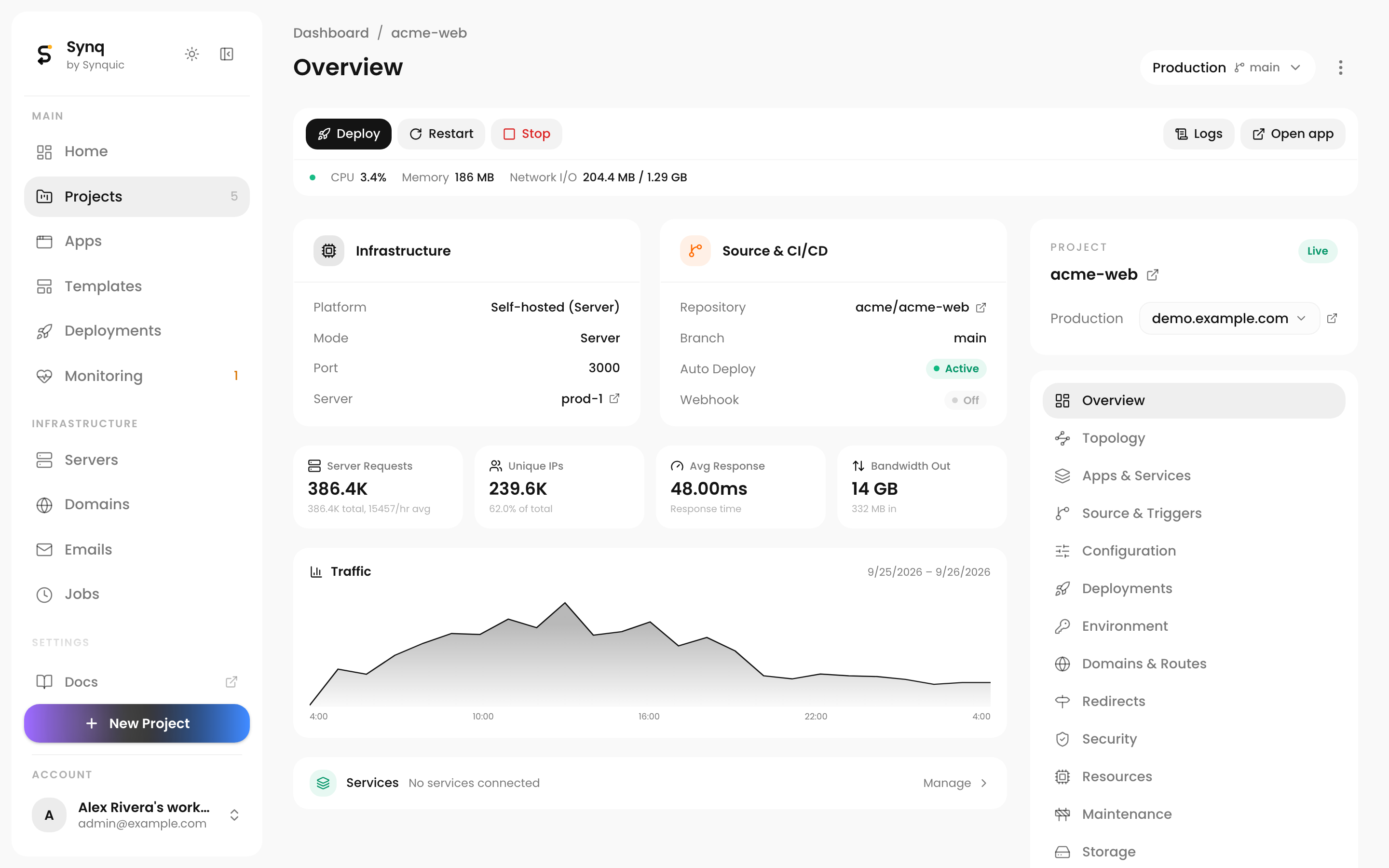
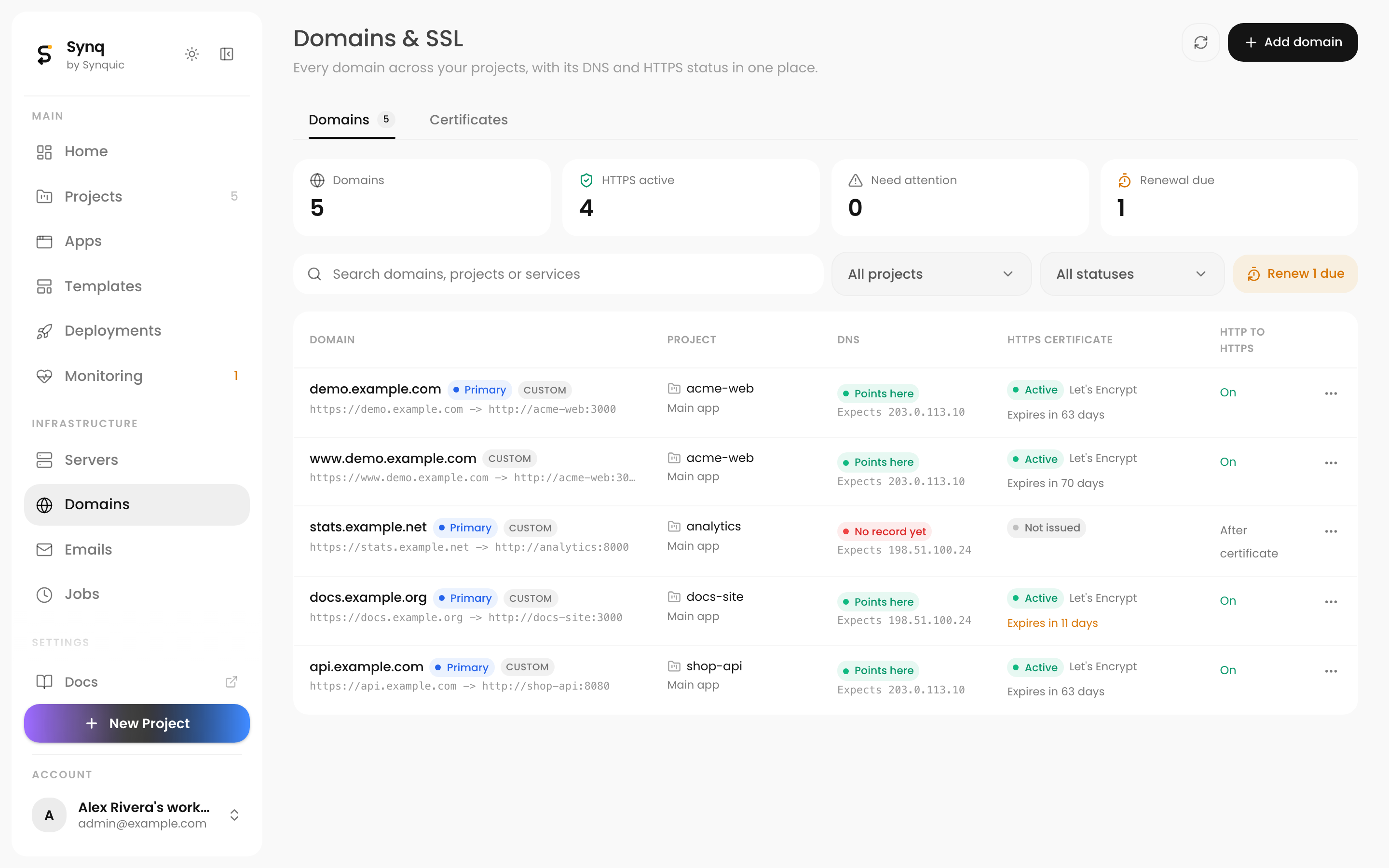
Synq installs on a Linux server with one command. You need a license key, a shell on the server, and ports 80 and 443 open. A domain is optional.
Install instructionsEmail p@synquic.com to get a license key. It lets your server download Synq, and upgrade it later.
curl -sSL https://synquic.tech/install.sh | sh -s -- --key <KEY>. Add --domain panel.example.com --email you@example.com for HTTPS on your own domain.
Sign in with the admin account the installer set up, and deploy your first app.
The desktop app opens your Synq panel in its own window. Sign in with your panel login and manage your servers and projects as in the browser. Free to download, no license key, and it updates itself.
Desktop app guideChecking the latest version...
The app connects to your Synq panel (https://app.synquic.tech, or your own) and you sign in with your panel login. It updates itself from this site.
First launch on a Mac. The app isn't signed with an Apple Developer ID yet, so macOS blocks it the first time. Drag Synq from the .dmg to Applications and open it, then go to System Settings > Privacy & Security and click Open Anyway. Or clear the download flag in Terminal: xattr -dr com.apple.quarantine /Applications/Synq.app
First launch on Windows. Unzip the download and run Synq.exe from the folder. SmartScreen says "Windows protected your PC": click More info, then Run anyway.